 Security
Website backups on Armenian hosting: what hosts copy and how to test restoration
What Armenian hosts say about backups, what their terms leave out (liability capped at 10,000 and 100,000 ֏), and how to verify your site can be restored.
Cookies on this site
The site stores what it needs itself: your theme, your animation setting and this choice. Analytics, marketing and external services switch on only with your consent. You can change your mind at any time. More about cookies
Security
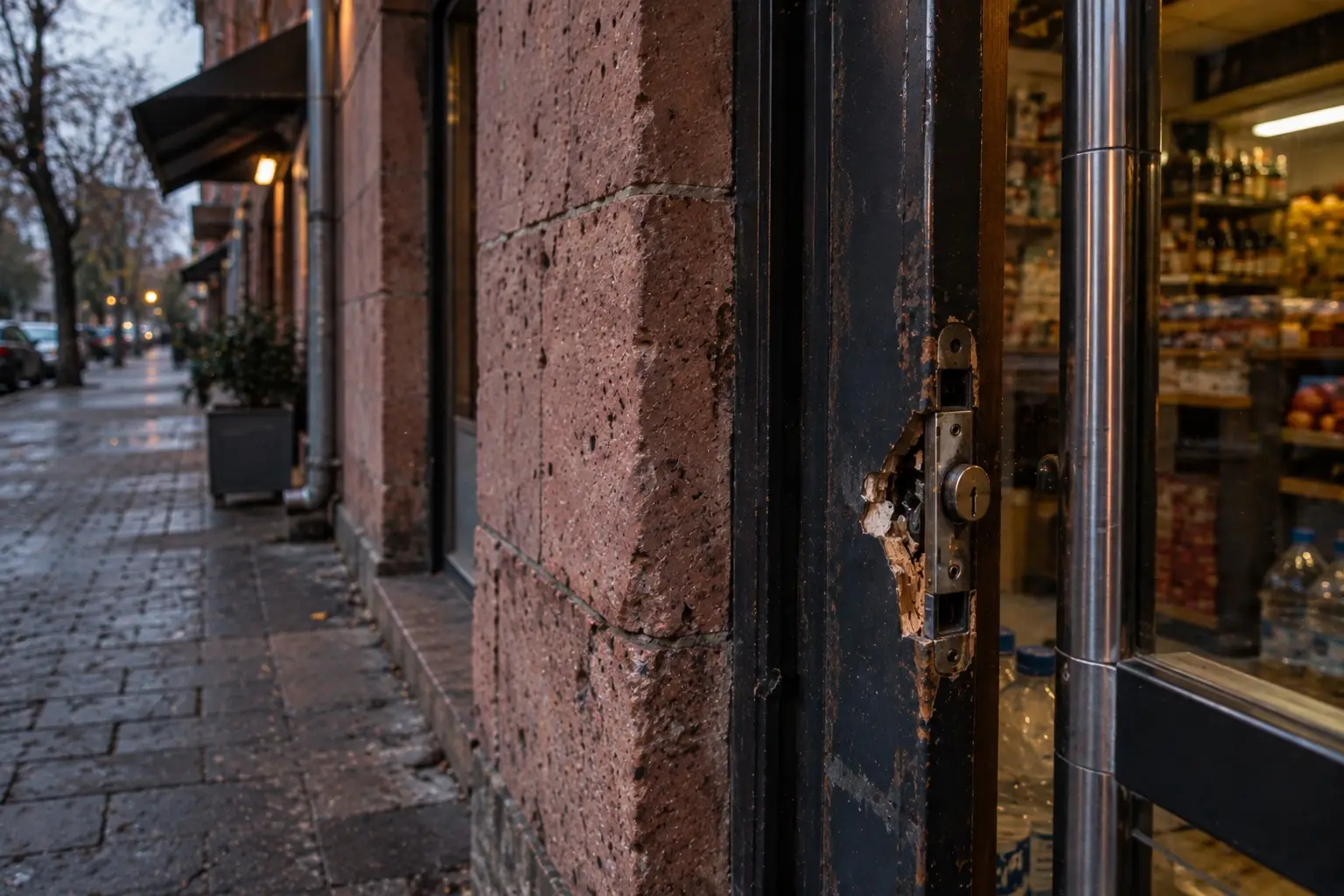
Stop the damage first, and clean up later. Change your passwords from a clean computer, save a copy of the infected website along with the server logs, and request the last pre-hack backup from your hosting provider. Then restore the site from that backup and patch the vulnerability used to break in, or the hack will happen again. If your website accepts cards, notify your bank immediately: under Ameriabank’s terms, this is the merchant’s obligation, and the deadline is stated in one word, “immediately”.
Google defines hacked content as any content placed on a website without your permission due to vulnerabilities. Its documentation also points to malware and “social engineering,” where a site tricks visitors into doing something dangerous. On the other hand, a site can simply go down because of a full disk or an unpaid hosting bill, with no unauthorized intrusion. A few telltale signs help tell them apart.
| What you see | What it might mean | Where to check |
|---|---|---|
| Unfamiliar pages under your domain in Google that you never created | Hacked content | Search Console, “Security Issues” report; search for your site’s name |
| The site redirects visitors to other domains, especially on mobile | Malicious code | Open the site on a phone using mobile data, away from home Wi-Fi |
| New users appear in the admin panel that you never added | Unauthorized access | User list in the site’s admin panel |
| The host suspended your account and sent an email | Outgoing spam or malware on the site | Hosting email, control panel |
| The site will not open, but there is no unauthorized content | Usually an outage: out of disk space, unpaid hosting, expired domain | Hosting control panel, domain expiration date |
On standard hosting without an in-house sysadmin, nobody is going to read server logs for you, so request them in writing. Here is what to ask for:
If you find out your server password has been passed around in chat apps for a long time, check out our article on logging in with SSH keys: it explains how to cut off access for former contractors.
If Google detected the hack, a “Security Issues” report will appear in Search Console. According to Google’s documentation, the process is: open the issue and review the sample URLs (the sample list may not be exhaustive), clean the entire site including pages not shown in the samples, verify your fixes, and click “Request a review” with a description of what you did. You can clean the site in two ways: restore files from the last good backup or remove unauthorized content manually.
| Item | What Google’s documentation says |
|---|---|
| Review time | “A few days to a few weeks” |
| Resubmission | Do not submit a new request until a decision is made on the previous one |
| Submitting before fixing | Can lengthen the next review or get you labeled a “repeat offender” |
Nobody knows whether or when rankings will return, and I won’t promise they will. Google’s documentation doesn’t promise it either.
| Recipient | When | How |
|---|---|---|
| Your bank, if you accept cards | Immediately | Contact details from your contract. Clause 7.9 of Ameriabank’s terms: page failure or third-party access to transaction management software requires immediate notification and suspension of card acceptance until instructions from the bank. Clause 7.7: the same applies to any actual possibility of unauthorized access to cardholder data |
| After cleaning up | “Request a review” in Search Console | |
| AM-CERT | Optional | cert@am-cert.am, +374 12 20 80 80 |
To be honest about AM-CERT: on its website, the center defines its mission as incident response for the country’s critical infrastructure, offering services to the public sector and private organizations. Whether it handles reports about small online stores being hacked is something I haven’t tested.
A separate question: if your site handled inquiries or orders and personal data might have been compromised, are you obligated to notify customers or a regulator? I have not researched this under Armenian law. Talk to a lawyer before writing to customers. This is general information, not legal advice.
You only want backups you have already restored from at least once: an untested backup guarantees nothing. Install updates on a schedule. Give every person their own account, and when a contractor leaves, close their account on the same day.
We handle this as part of our website maintenance: monitoring, backups, updates, and closing known vulnerabilities, from 20 000 ֏ a month. If you already have an administrator who keeps and tests backups, you don’t need us. If you don’t know whether your site has even one working backup, send us a message: we’ll start with that question.
Your site stays online and up to date while you work: monitoring, backups, updates and changes are on us.
Security What Armenian hosts say about backups, what their terms leave out (liability capped at 10,000 and 100,000 ֏), and how to verify your site can be restored.
 Security
A 'Not secure' warning means a website lacks HTTPS or has an invalid certificate. What to check, whether a free certificate works, and what banks require.
 Security
If your server password was ever sent over Telegram or Viber, it is no secret. Here is how to switch to SSH keys and revoke access for past freelancers.
Talk to us
Phone us, write to us or send a short brief. You get a clear next step and, after the first conversation, a written estimate.
Animation is off because your system asks for reduced motion.