 Choice
Telegram bot for orders and bookings: what it does, costs, and when you need a website
A Telegram bot handles orders and bookings: from 130,000 ֏, 1–2 weeks to scope. What it does, when you need a website, and why payments need verification.
Cookies on this site
The site stores what it needs itself: your theme, your animation setting and this choice. Analytics, marketing and external services switch on only with your consent. You can change your mind at any time. More about cookies
Choice
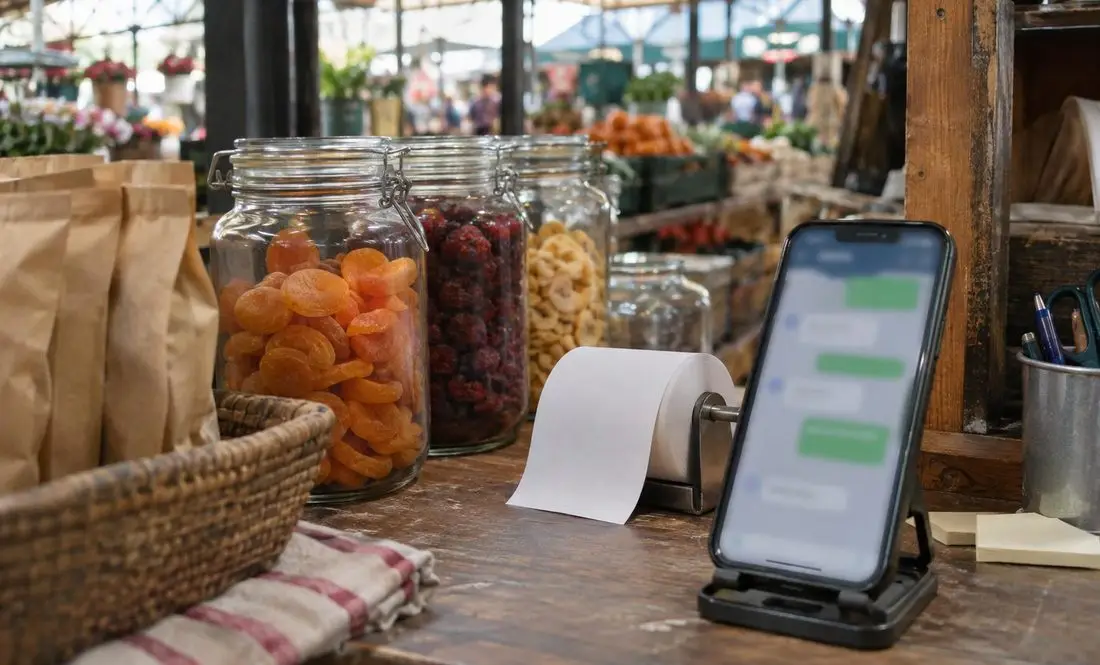
WhatsApp has two distinct products for business. The WhatsApp Business app runs on your phone, and you answer everything yourself. The WhatsApp Business Platform (often called the API) connects to software, handling bots, template broadcasts, and CRM integrations. Meta charges companies for messages sent through the platform: since July 2025, per delivered message, and since October 1, 2026, for replies to customers once you pass 1,000 free ones a month. A bot isn’t for everyone, and below I explain who actually gets a return on one.
The app installs on your phone. According to WhatsApp’s site, it gives you a business profile with your company details, lets you showcase products and services with prices, lets you send items to customers in a few taps, and lets you set greeting and away messages.
The Platform is built for developers and software integrations. Meta’s documentation is written specifically for engineers. To get it running, you need a Meta Business Portfolio, a WhatsApp account, a messaging account, and access tokens. You can connect directly if you have your own phone number and a developer, or go through a business solution partner who handles the technical setup. What a partner charges depends entirely on their pricing, so check their terms directly.
WhatsApp’s site lists no fee for the app and no message costs, so verify terms when installing it. For the Platform, pricing is public, and the details are below.
Here is how it works, based on Meta’s developer pricing page. Starting July 1, 2025, businesses pay per delivered message sent to a customer rather than per conversation. Customers never pay for their messages. The rate depends on the message category and the recipient’s country code.
| Category | When it can be sent | How it is billed |
|---|---|---|
| Marketing (template) | Any time | Market rate, per delivered message |
| Utility (template) | Any time; billed inside an open window starting Oct 1, 2026 | Market rate |
| Authentication (template) | Any time | Market rate |
| Service (customer reply) | Only while the 24-hour window is open | 1,000 free per number each month, billed after that starting Oct 1, 2026 |
Four categories matter for everyday businesses. Meta also has a fifth, Meta Business Agent, which launched on July 1, 2026, and isn’t covered here. Three of the four apply to templates that can be sent at any time: marketing, utility, and authentication codes. The fourth category is service messages (standard replies to a customer), which you can send only while a 24-hour window remains open. That window opens when a customer messages or calls you, and extends with each new message they send. Messaging a customer first outside that window requires an approved template, and templates require customer opt-in plus Meta approval in most cases.
What changed this year: starting October 1, 2026, service messages beyond the free 1,000 per month per phone number are billed. Unused free messages don’t roll over to the next month. On the same date, utility templates sent inside an open customer service window also became paid; previously, they were free. For businesses without a payment method linked by September 30, service message delivery could have stopped on October 1.
Armenia isn’t listed as its own line item in Meta’s rate card; it falls under “Rest of Central & Eastern Europe”. The per-message price in USD is in Meta’s rate table, where you select that market and currency. I don’t quote an exact figure here because Meta updates rates on January 1, April 1, July 1, and October 1, so a number written in November could easily be out of date by April.
When someone messages you from a Click to WhatsApp ad and you reply within 24 hours, your response is free and opens a messaging window of up to 7 days. That’s Meta’s current policy, not a permanent guarantee. When running Instagram ads makes sense and when it doesn’t, I covered in my post on Instagram ads in Yerevan.
A bot that handles routine questions and collects inquiries pays for itself when the same questions arrive daily at all hours: pricing, location, whether a date is open. If you get five questions a week, answer them yourself. The free app is more than enough.
Running a bot on the Platform comes with three expenses: my setup work, Meta’s messaging fees, and whatever a partner charges if you use one. Here is how I price my work: automating a single process, including a straightforward chatbot, starts at 130,000 ֏. Before starting, I spend 1–2 weeks evaluating the setup and drafting a plan. The quote excludes paid third-party tools, subscriptions your project needs, and AI model API calls if used. I define boundaries upfront for questions the bot shouldn’t answer on its own, and important replies still go through a human.
If your customers reach out on Telegram, you can build a bot there instead; see my guide to Telegram bots for orders. For choosing which chat app to feature on your website, read the breakdown on WhatsApp, Viber, and Telegram.
Install the WhatsApp Business app on a dedicated company number, fill out your profile, and handle chats manually for a week or two. Keep track of repetitive questions. Those form your bot’s script, and your daily reply count will show how many messages you’ll actually need to pay for.
Decide who answers and when. A WhatsApp button on your website sets the expectation of an instant reply, and people will message after hours. If no one is available to answer, a simple contact form is much more honest.
I build automations for a living, but I often advise starting with the free app alone. Until you have steady message volume, paying for automation is premature. If you already have consistent message traffic, tell me what questions you receive and how you currently answer them, and I’ll tell you what’s worth automating: business process automation.
Routine work goes to software: reports and data move on their own, and an AI assistant answers common questions.
Choice A Telegram bot handles orders and bookings: from 130,000 ֏, 1–2 weeks to scope. What it does, when you need a website, and why payments need verification.
 Choice
How AI chatbots handle Armenian: 2026 benchmark results, dealing with Latin-script Armenian, and how to test a bot on your own customer questions before launch.
 Choice
Hotel website in Armenia: how much OTAs and banks take from a 100,000 ֏ booking, when a direct site pays off, and bank requirements for payment pages.
Talk to us
Phone us, write to us or send a short brief. You get a clear next step and, after the first conversation, a written estimate.
Animation is off because your system asks for reduced motion.