 Search
How to add a three-language website to Google Search Console and Yandex Webmaster
One domain property or three URL prefixes, where to place hreflang for Google and Yandex, and what to check after adding a three-language website.
Cookies on this site
The site stores what it needs itself: your theme, your animation setting and this choice. Analytics, marketing and external services switch on only with your consent. You can change your mind at any time. More about cookies
Search
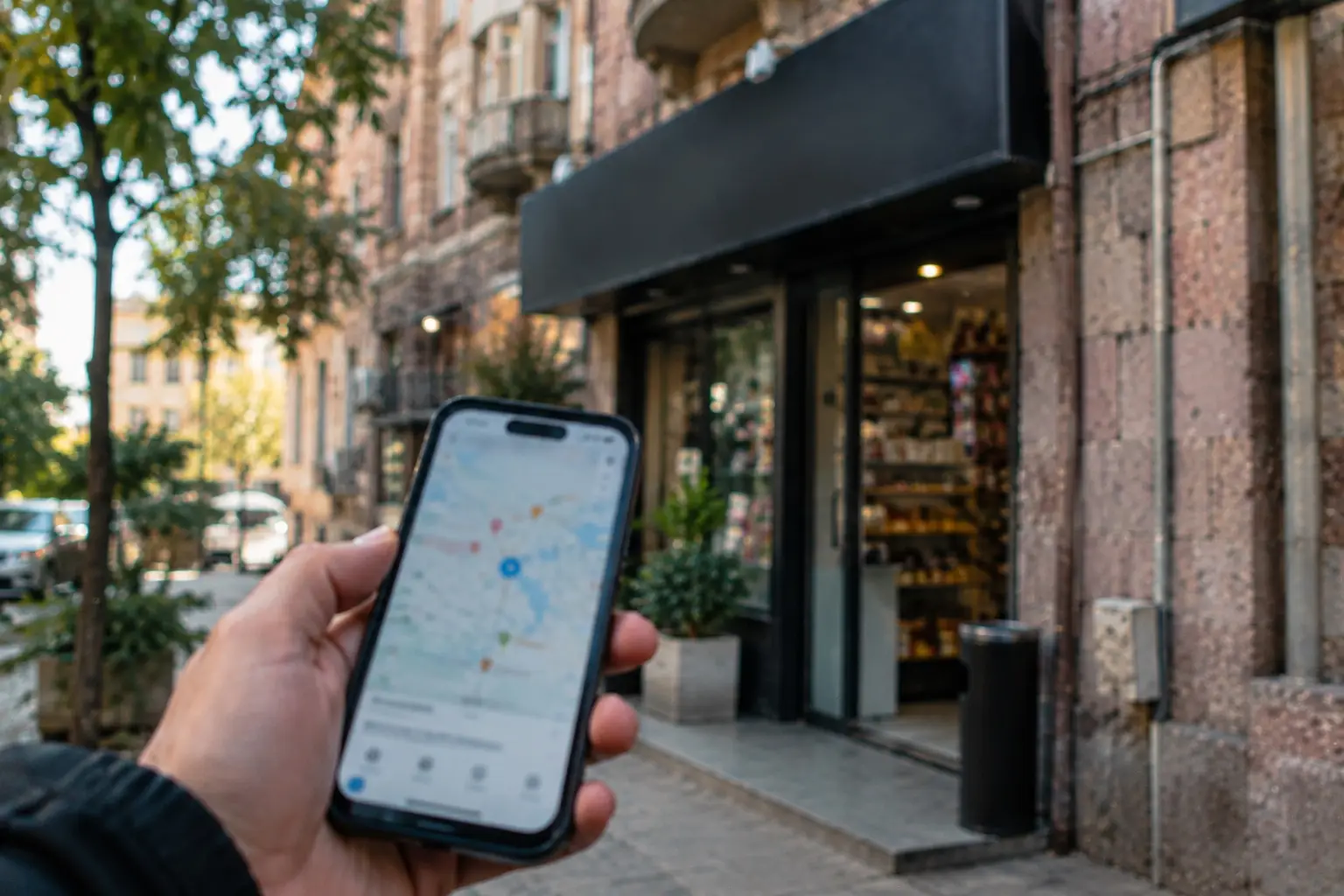
Business owners create and verify their Google Business Profile themselves. You need your real business name, an exact address customers can visit or a service area where you travel to them, and a phone number under your control. Verification happens through whichever method Google chooses: phone call or SMS, email, postcard, or video. According to Google Help, postcard codes usually arrive within 14 days and stay valid for 30 days.
Google’s profile rules state that your business qualifies if customers can visit your location or if you travel to meet them. If you don’t have a shop or an office open to visitors, you can set up a single profile for a service area and hide your address. An address rented only for mail (a virtual office) does not qualify. An office in a coworking space works only if: your signage is visible, you welcome clients in person during business hours, and your own staff is on site. You need a separate profile for each location, and you cannot create duplicates.
Write your business name exactly as it appears on your signage and legal documents. Google Help forbids adding extras to the name: marketing slogans, store codes, ™ and ® symbols, phone numbers, website URLs, operating hours, service descriptions, or district names. Your address must be exact; P.O. boxes aren’t accepted. Your phone number should be under your direct control and shouldn’t route to a call center if you can provide a local number. Pick as few categories as possible and keep them as specific as you can, without stuffing keywords into them.
In Yerevan, this means: the name in Armenian or Latin script if that is what is on your sign, a street and building address without extra descriptions, and a single phone number that someone actually answers.
| Method | What you need | What Google says |
|---|---|---|
| Phone call or SMS | Answer the call or receive a text on the profile’s phone number | An automated answering service won’t receive the code |
| Access to the email address selected on the verification screen | Follow the instructions in the email | |
| Postcard | Wait for a postcard with a 5-digit code and enter it in your profile | Most arrive within 14 days, and the code is valid for 30 days; while waiting, don’t change your name, address, or category, and don’t request a new code; unavailable for some businesses |
| Video call | Show the location and confirm that you’re the owner | Available only for some businesses and only during business hours at the business address |
| Video recording | Show the location in a recording | Google recommends this if the business qualifies; details are on a separate help page |
Once you complete the steps, Google’s review takes up to 5 business days, according to Google Help. Verification can be instant if you already verified your website in Search Console or use bulk verification. Google picks the method, and you cannot choose another one: which options you get depends on your business category, public records, region, and operating hours.
Add your website, operating hours, and a real phone number to your profile. Ask actual customers for reviews. Once a quarter, check that your hours and address are still accurate. A profile doesn’t guarantee a top spot on the map or in search results: neither Google nor I make that promise.
You can set up the profile yourself. If you don’t have the time, send me a message: I’ll review the scope and quote a price before starting. Search engine ranking is handled separately—that’s SEO. If you are deciding whether you even need a website when you have a profile and Instagram, check out our article on having a website versus Instagram. If you already have a site but it doesn’t show up on Google, start with our article on why your website isn’t on Google.
SEO so people can find you in search, in Armenian, Russian and English. Reports in plain language.
Search One domain property or three URL prefixes, where to place hreflang for Google and Yandex, and what to check after adding a three-language website.
 Search
Google holds 90.58% of searches in Armenia, Yandex 7.3% (StatCounter, September 2026). How to split efforts by language and what to do for Yandex.
 Search
Site not showing on Google: check noindex tags, robots.txt, Search Console statuses, and language duplicates. What reports mean and how long new sites wait.
Talk to us
Phone us, write to us or send a short brief. You get a clear next step and, after the first conversation, a written estimate.
Animation is off because your system asks for reduced motion.